
Sakura Mobile Pocket WiFi Review: Is It Worth It for Japan Travel?
/This post contains affiliate links. This means that at no additional cost to you we may earn from qualifying purchases.
If you're planning a trip to Japan one of the most important things to figure out is how you’ll stay connected.
For me, having reliable internet in Japan is essential. I travel to Japan every year to visit family, and I rely heavily on Google Maps to navigate trains and the streets which I can’t count on finding street signs (IYKYK). Without consistent internet access, it’s incredibly easy to get lost, especially in major cities like Tokyo.
On my most recent trip, I used Sakura Mobile Pocket WiFi, and here’s what the experience was actually like from start to finish.
Sakura Mobile YouTube Review
Sakura Mobile Pocket WiFi Quick Summary
Best for: Travelers needing reliable internet in Japan
Setup: Quick and beginner-friendly
Pickup: Easy airport process
Performance: Reliable for maps, trains, and daily use
Verdict: A solid option for stress-free travel in Japan
Why You Need Internet in Japan for Travel
Having internet in Japan is not just convenient, it is necessary for most travelers.
Here’s why:
Google Maps is essential for navigating Japan’s train system
Train routes and transfers update in real time
Many locations are easier to find digitally than physically
Public WiFi is not always reliable
If you plan to explore cities like Tokyo, Kyoto, or Osaka, having a stable internet connection will make your trip significantly easier.
See our Tokyo and Osaka travel guides here:

View of Tokyo from Tokyo Tower
Pocket WiFi vs eSIM in Japan
Before choosing Sakura Mobile, I considered a few different options for internet in Japan:
Public WiFi
Public WiFi is available in some areas, but it is inconsistent and not reliable for full-day travel.
eSIM
eSIM is a great option for many travelers, but it was not available for me on this trip because my phone was locked.
International Carrier Plans
In my experience, my carrier’s international plan in Japan was slow and unreliable. It also strangely drained my phone’s battery.
Why I Chose Pocket WiFi
Pocket WiFi ended up being the best option for my situation because it provided a stable and consistent connection throughout the trip.
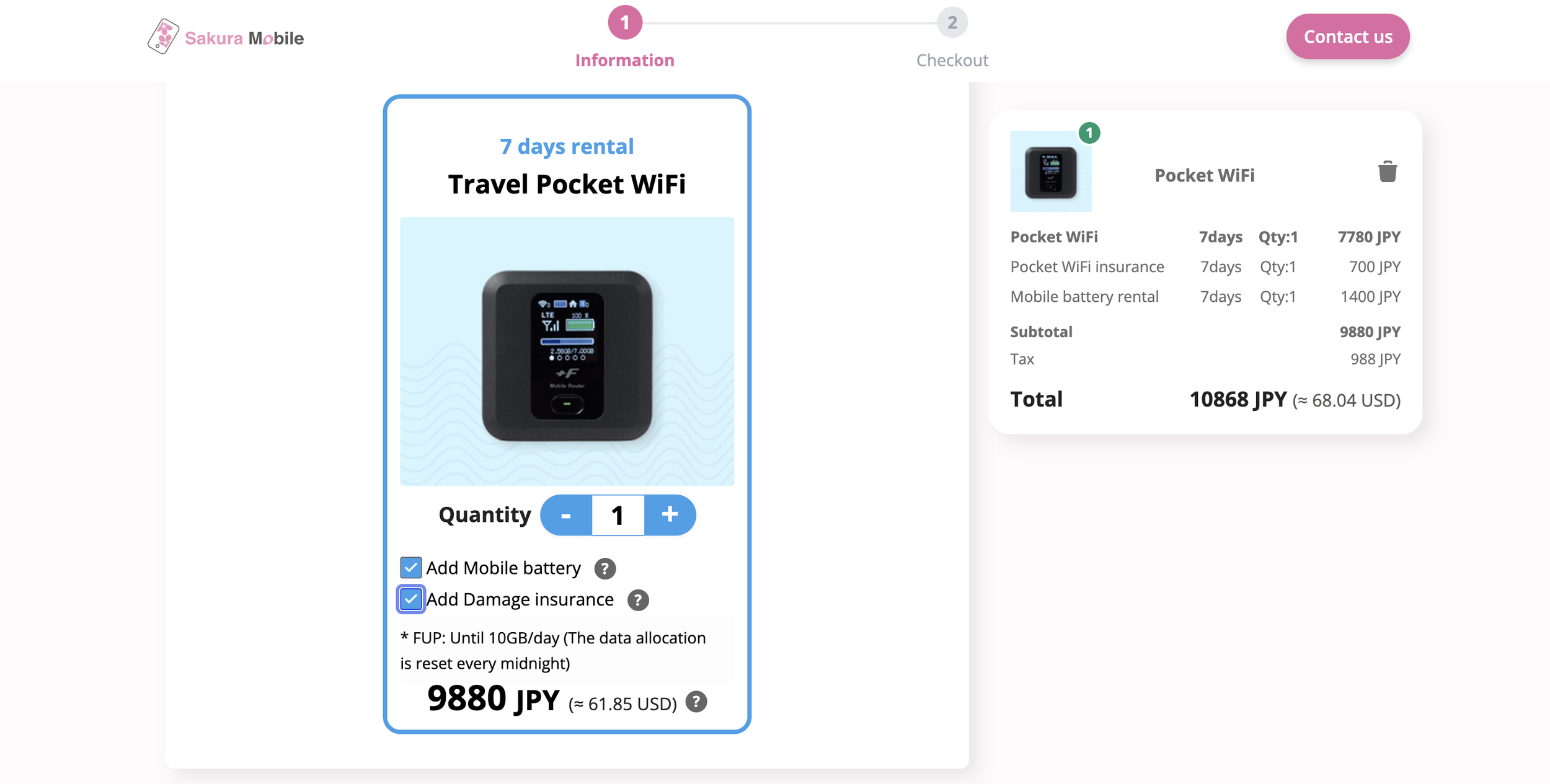
Sakura Mobile Pocket WiFi Order Details
Sakura Mobile Pocket WiFi: Ordering and Pickup Process
Ordering Sakura Mobile pocket WiFi before arriving in Japan was simple.
I selected my plan online and entered:
Rental dates
My name
My flight number
Arrival date
Pick up location (airport, hotel, Sakura Mobile office, residence)
Payment information
You also have the option to rent a portable battery and purchase damage insurance for extra peace of mind. I already have a reliable portable battery and consider myself pretty responsible, so I decided not to add those two options for my trip.
A few days before departure, I received an email with clear pickup instructions and a booking confirmation number.
Airport Pickup Experience
After landing in Japan:
I went through customs and baggage claim
Headed to the designated pickup counter
Provided my booking number
The process was quick and smooth, and I was able to get connected almost immediately.
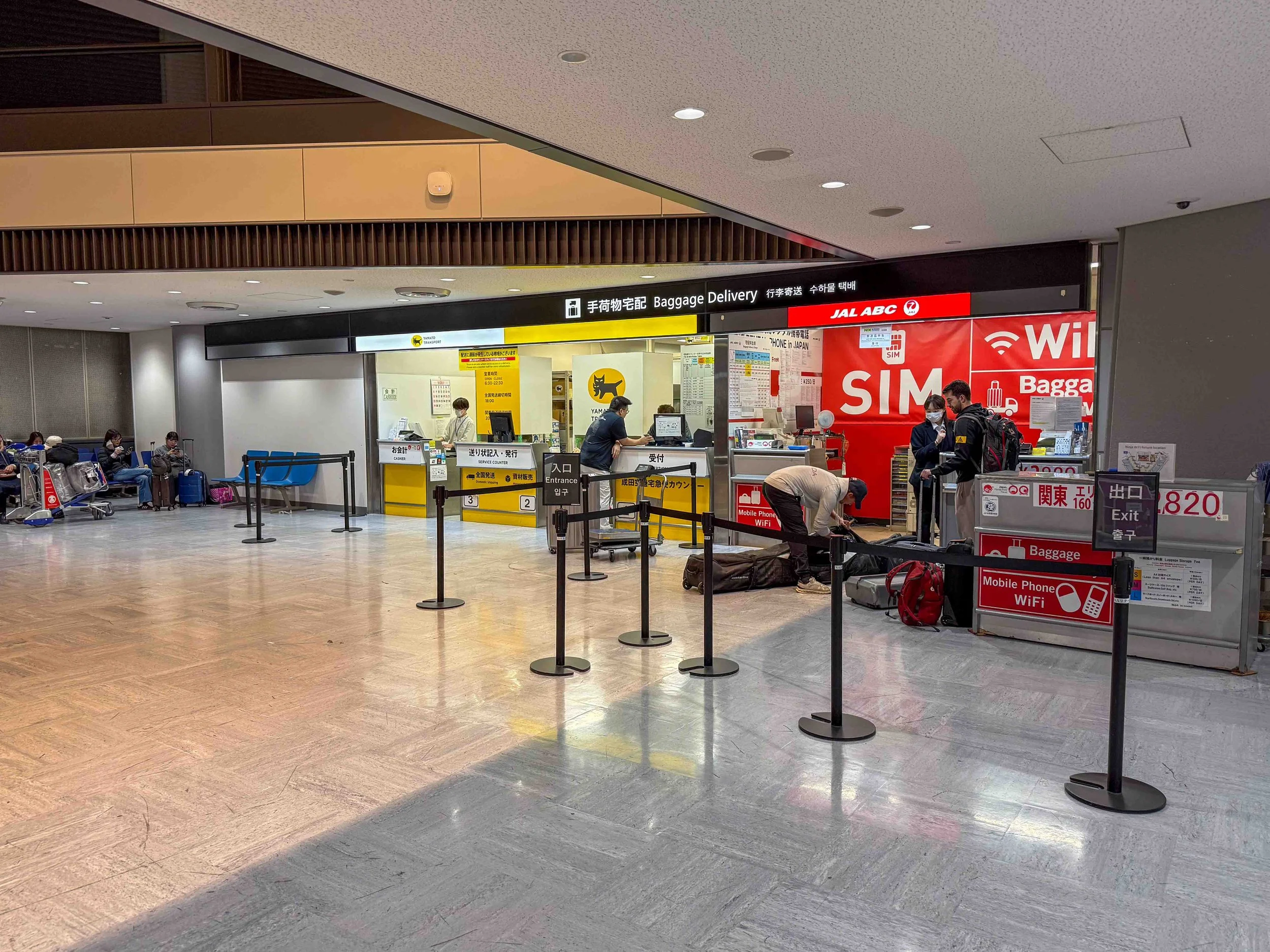
Sakura Mobile Airport Counter
What Comes with Sakura Mobile Pocket WiFi
The device comes neatly packaged in a compact pouch.
Inside the package:
Pocket WiFi device
Charging cable
Power adapter
Pre-paid return envelope with instructions
Everything is neatly organized and easy to carry, making it convenient when you're traveling. And if you ordered the portable battery, that would be tucked in here as well.
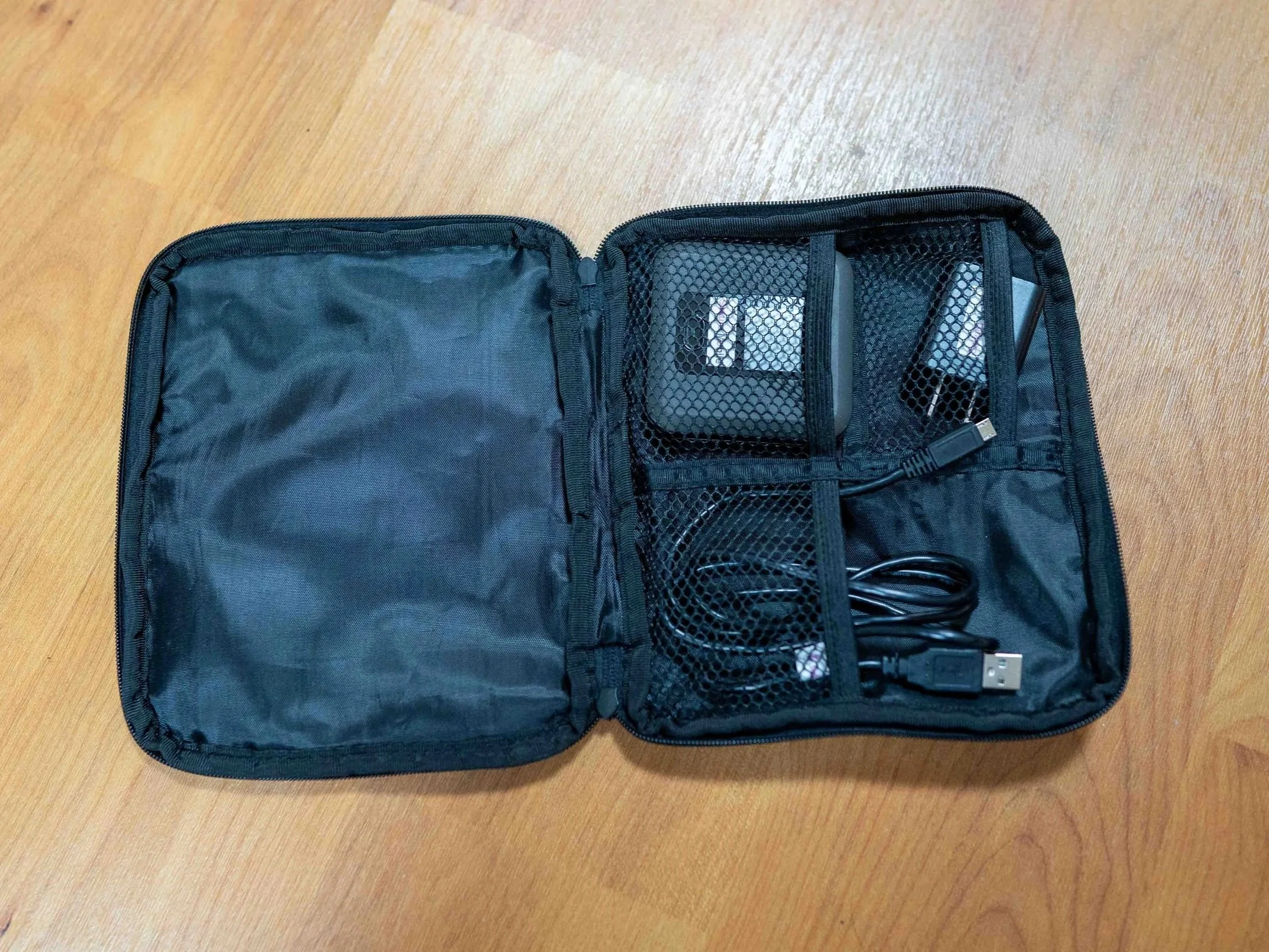
Sakura Mobile Pocket WiFi Accessories
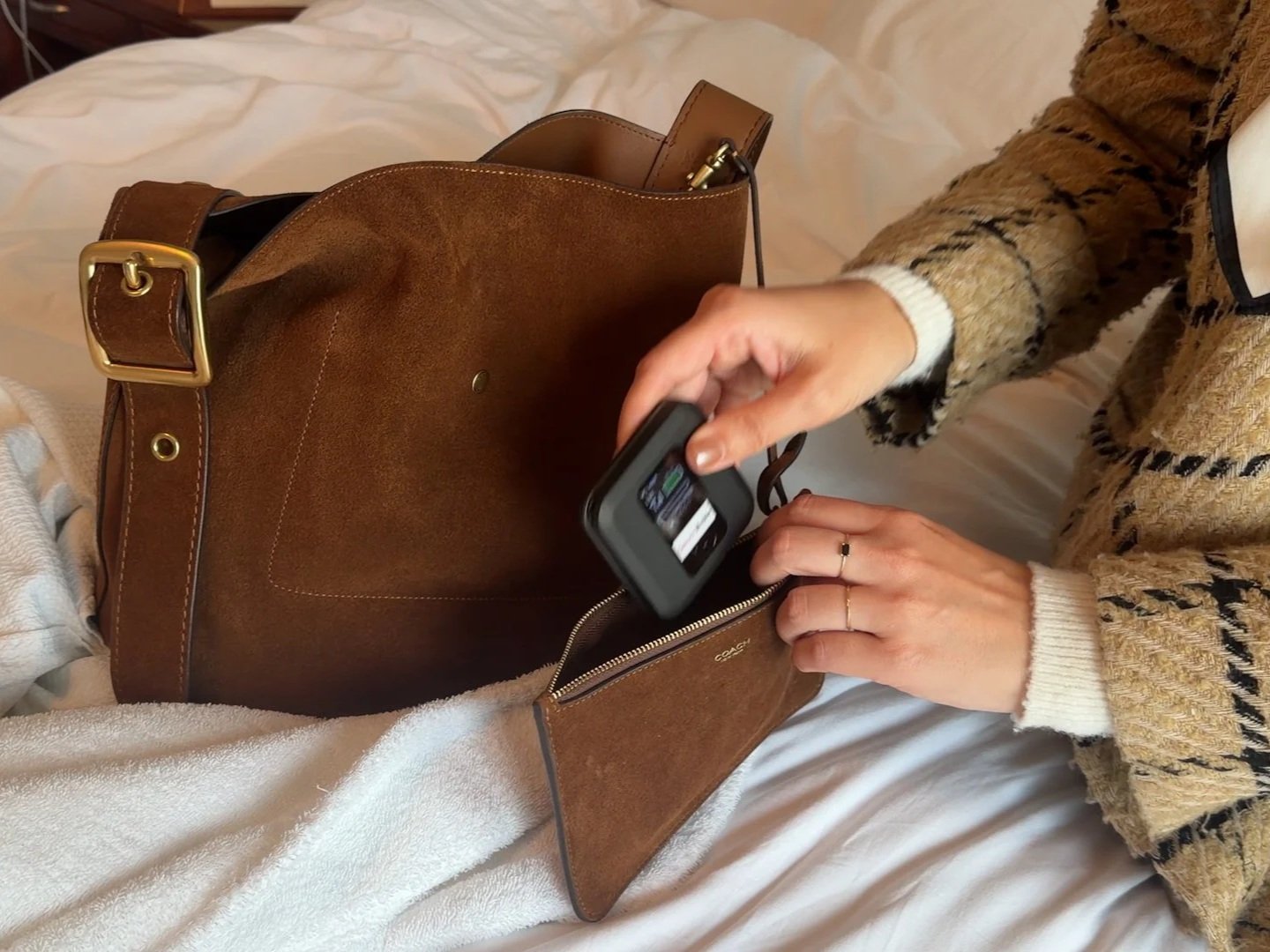
Small pouch for my Pocket WiFi
Pro tip: I actually used my own small pouch to store the pocket WiFi throughout the day. It helped keep the device protected while it sat in my purse and made it easier to grab when I needed it.
How to Set Up Pocket WiFi in Japan
Setting up the Sakura Mobile pocket WiFi is very straightforward.
Steps:
Turn on the device
Open your phone’s WiFi settings
Select the network name
Enter the password provided
The device arrived fully charged, so I was able to use it right away. Even if you are not tech-savvy, the setup process is simple and quick.
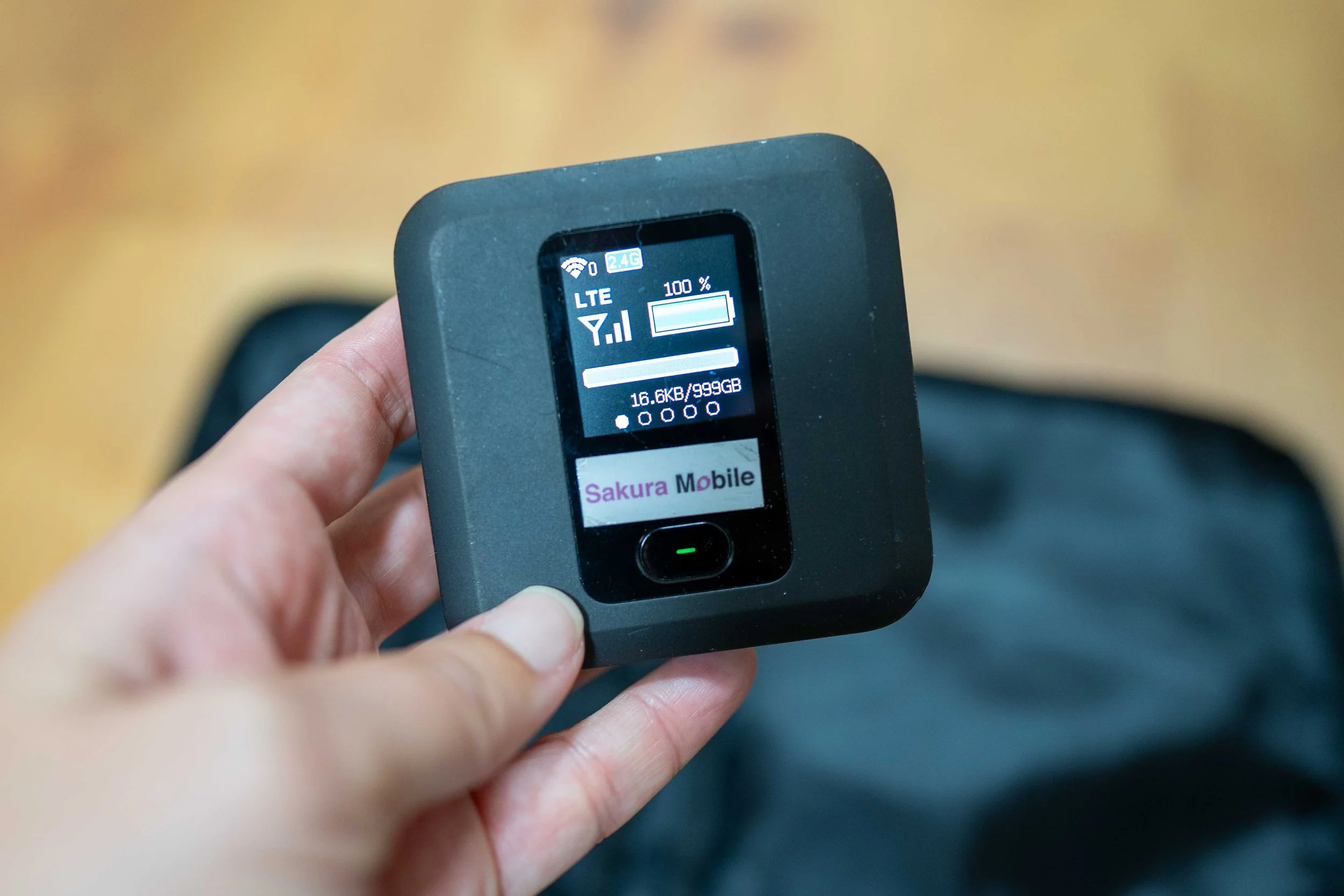
Sakura Mobile POcket WiFi
Using Pocket WiFi in Japan: Real Travel Experience
This is where pocket WiFi makes a big difference.
Having constant internet access allowed me to:
Navigate Tokyo’s train system with confidence (Japan Suica Card Guide)
Check routes and transfers in real time
Look up locations and information while walking around
Navigate the streets when I had specific places planned in my itinerary
Check emails, social media, etc.
Japan’s transportation system is incredibly efficient, but it can also be overwhelming if you are unfamiliar with it. Having reliable WiFi removes a lot of that stress.
Instead of worrying about getting lost, I could simply open Google Maps and find my way instantly.
At the end of each day the battery was pretty drained, so I recharged the device overnight to make sure it would be fully ready and powered up for the next day of exploring.
Returning Sakura Mobile Pocket WiFi
Returning the device was just as easy as picking it up.
At the end of the trip:
Place everything back in the pouch
Seal the pouch in the pre-paid return envelope
Drop it in a post box or airport mailbox
Japan has post boxes located throughout cities and airports, making the return process very convenient. I dropped mine off at Narita airport, and the post box was conveniently located right next to the security checkpoint entrance, so it only added a minute to my routine.
A day after I arrived home, I received a confirmation email notifying me that my device had been received.
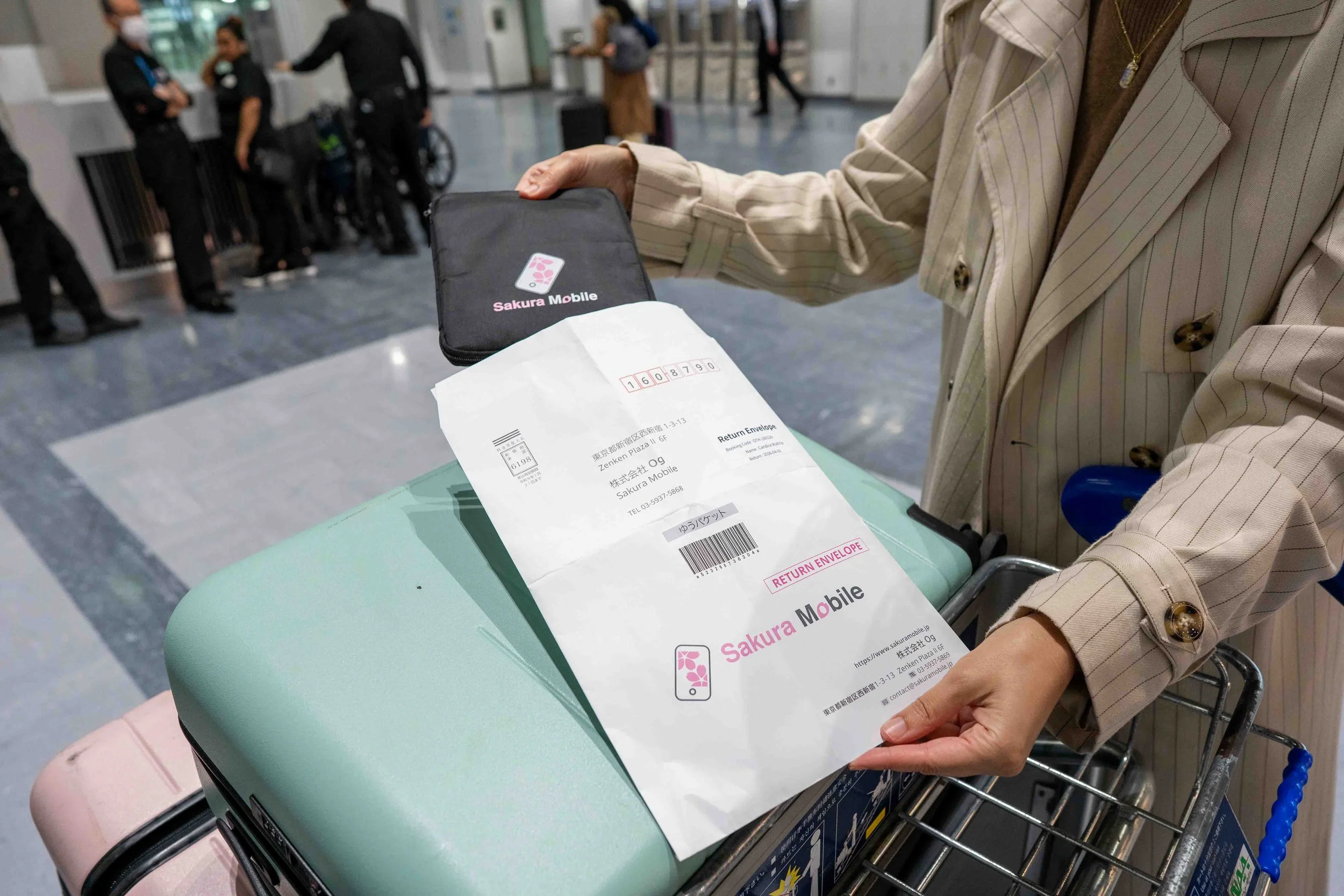
Sakura Mobile Return Envelope
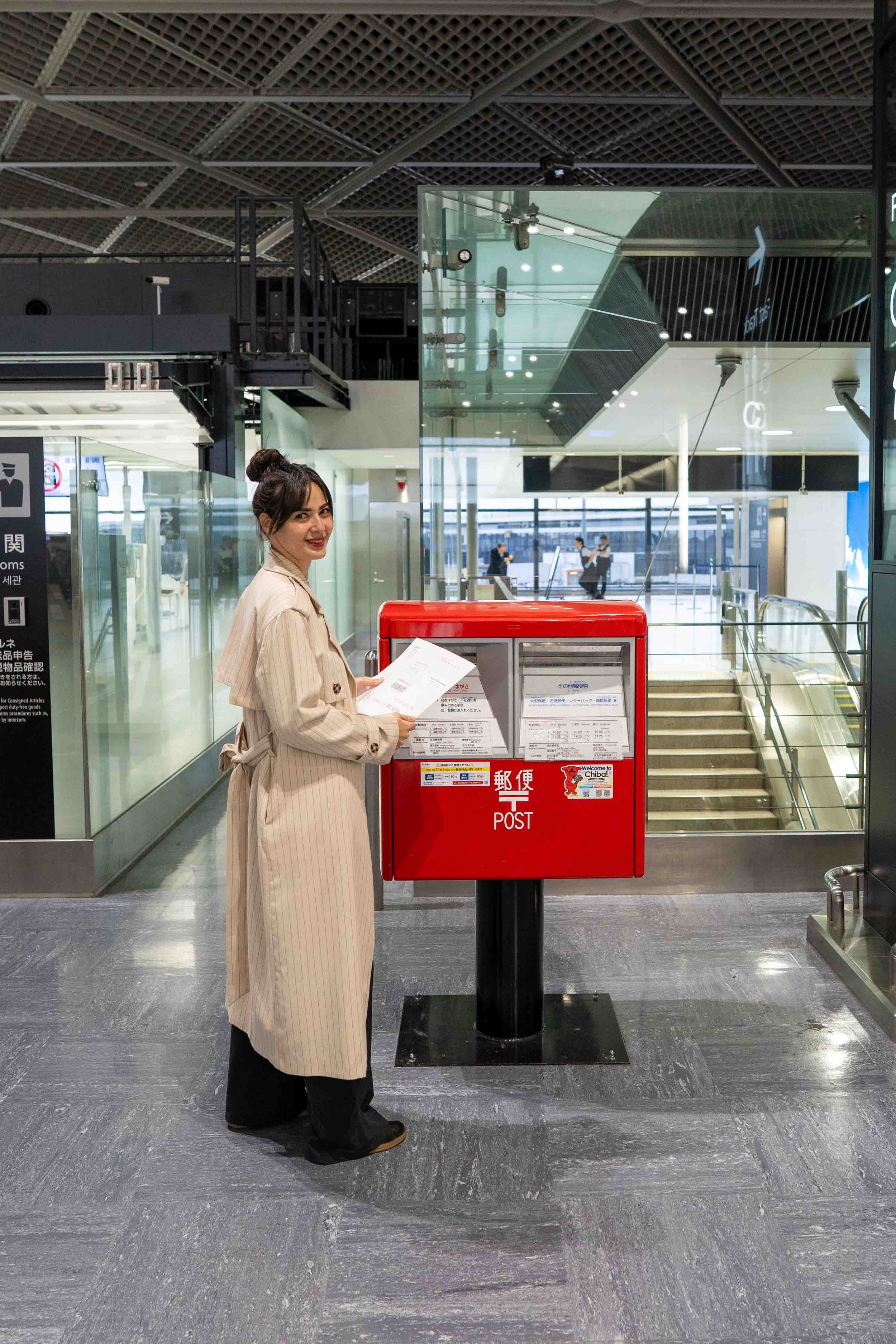
Mailing back my Sakura Mobile Pocket WiFi
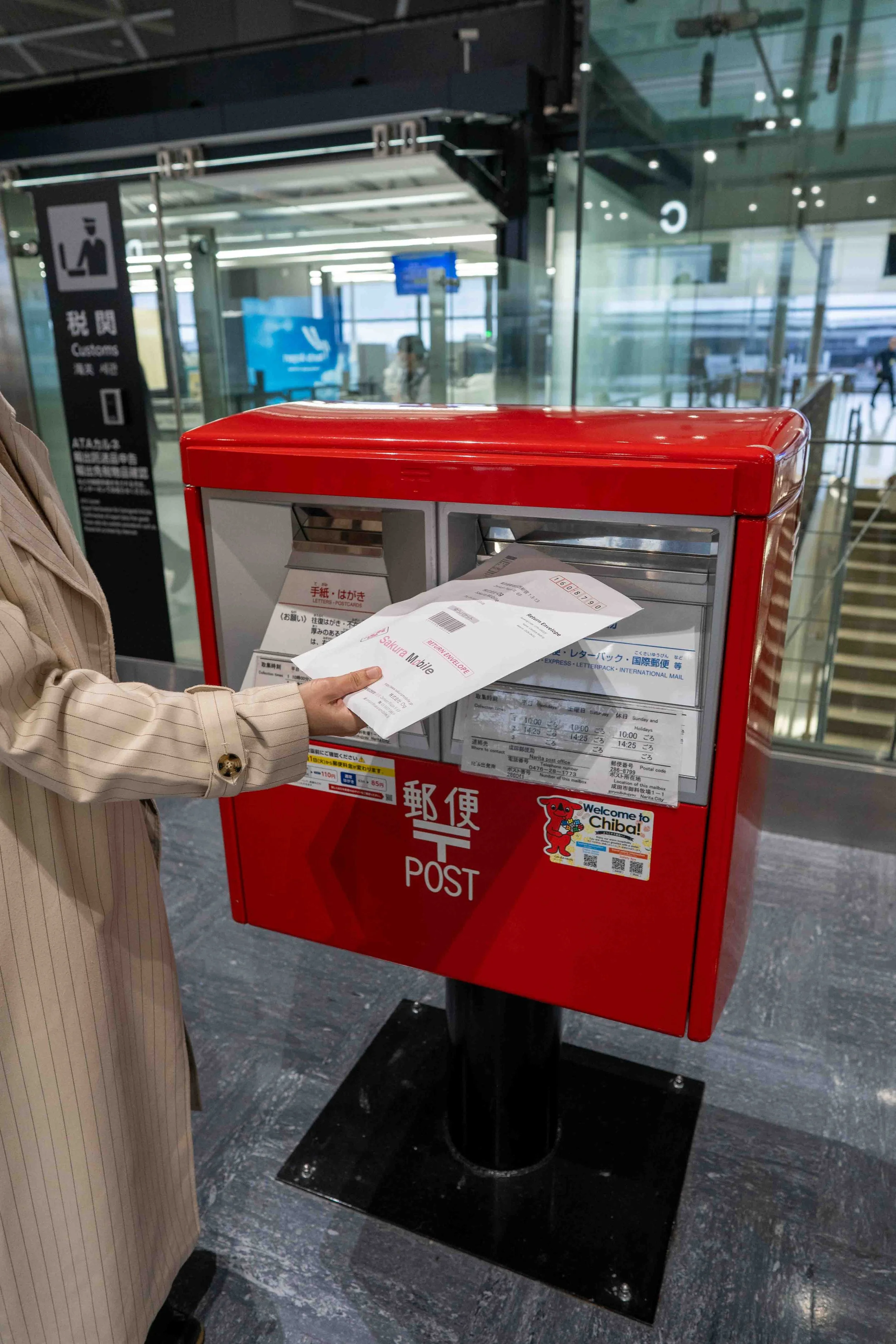
Japan Post Box at Narita Airport
Is Sakura Mobile Pocket WiFi Worth It?
Overall, Sakura Mobile pocket WiFi was:
Easy to set up
Reliable during daily travel
Helpful for navigating Japan efficiently
If your phone is locked or you want a dependable internet solution, pocket WiFi is a strong option for Japan travel.
Who Should Use Pocket WiFi in Japan
Pocket WiFi is a great choice if:
Your phone is locked
You are traveling with multiple devices
You want consistent internet access throughout the day
You rely heavily on navigation apps like Google Maps

View of Tokyo from Tokyo Tower
Final Thoughts on Internet Options in Japan
Choosing the right internet option can make or break your travel experience in Japan.
Having reliable WiFi allowed me to navigate more confidently, save time, and enjoy the trip without unnecessary stress.
If you are planning a trip to Japan, setting up your internet in advance is one of the best things you can do.
Continue Planning Your Japan Trip:
Frequently Asked Questions About Pocket WiFi in Japan
-
Yes, pocket WiFi is worth it in Japan if you rely on Google Maps, trains, and constant internet access. It makes navigating cities much easier and reduces travel stress, especially in places like Tokyo.
-
Sakura Mobile pocket WiFi is reliable for everyday travel use, including navigating train systems, checking directions, and staying connected throughout the day.
-
Pocket WiFi is a better option if your phone is locked or if you want to connect multiple devices. eSIM works well for solo travelers with compatible phones who prefer not to carry an extra device.
-
Yes, Sakura Mobile offers convenient airport pickup. You receive instructions and a booking confirmation before arrival, and the pickup process is quick and easy.
-
While it is possible to travel without WiFi, having internet makes navigating trains, finding locations, and staying on schedule much easier, especially for first-time visitors.